 1
1
Scenes and sources
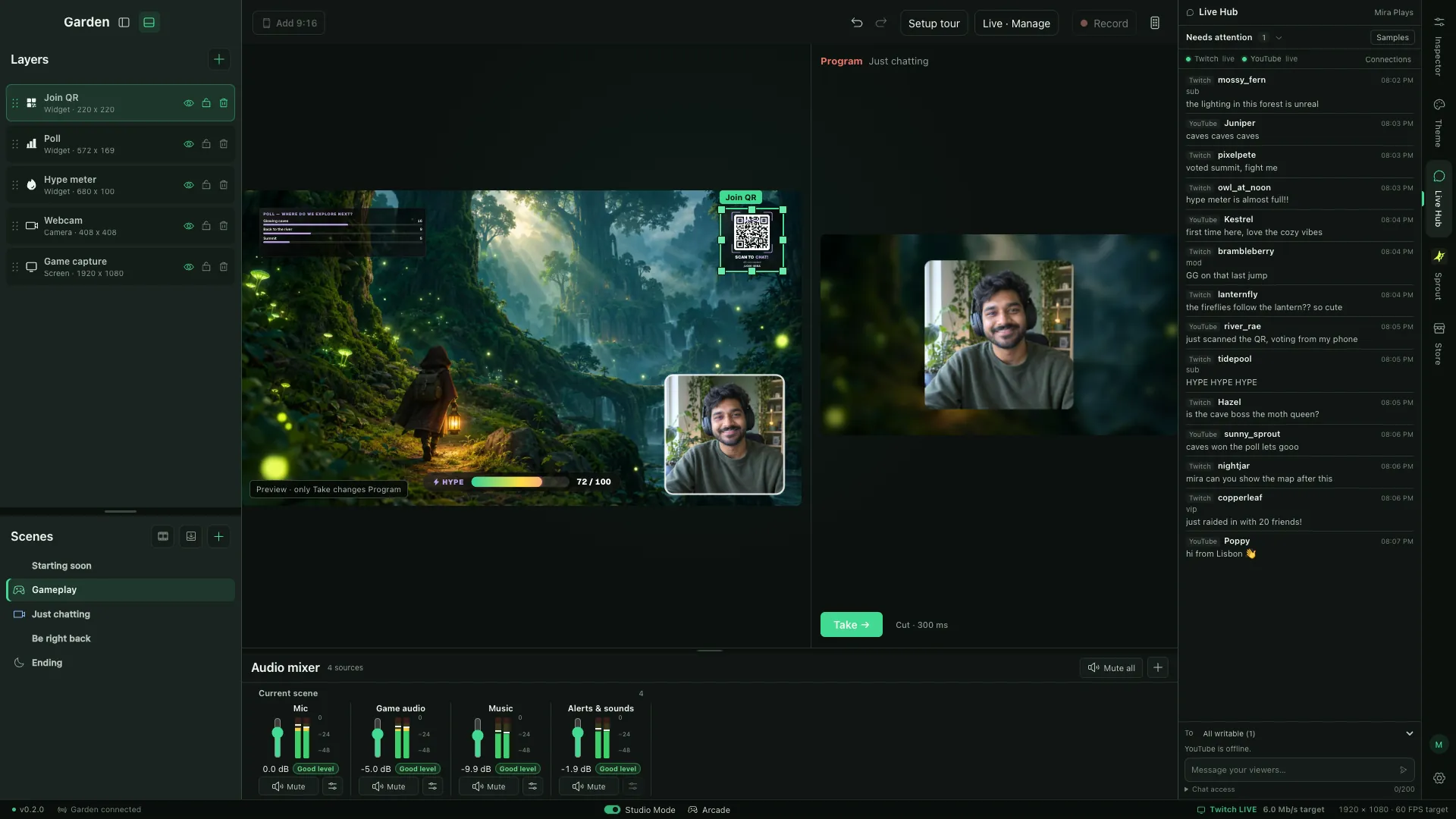
Cameras, screens, windows, images, and audio. It's real OBS underneath, and you arrange it all right on the canvas.
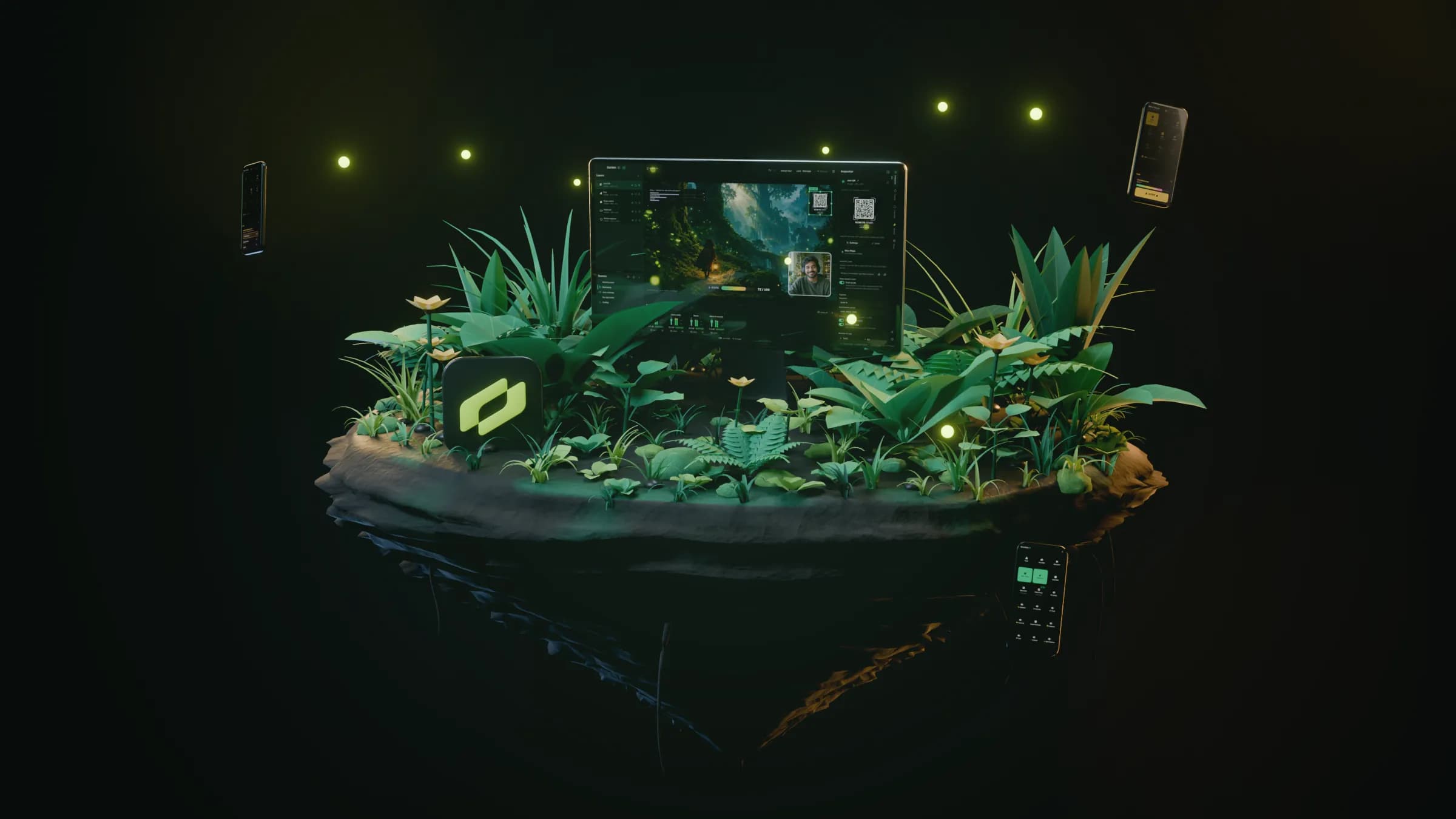
Garden Desktop is a free stream studio for Mac, built on OBS. Your viewers vote, hype, ask, and draw from their phones. No app or account needed.
Free · Apple Silicon, macOS 13 or later
Here to watch? Enter a join code
How it works
Garden Desktop lives on your Mac. Viewers and mods join from their phones or any browser.
Add your camera, your game, and a few widgets. Garden runs on OBS, so you go live or record from the same window.
They scan the QR on your stream or tap your link, and a controller opens in their browser. No app. No sign up. Their votes and hype show up on your stream live.
Mods clear the queue from any browser. Stream Dock turns an approved phone into a scene controller. Stream recaps wait for you in Garden Home.
How a stream grows
A viewer scans the QR on your stream and picks a poll option in their phone browser. No app, no account.
Every vote, hype tap, question, and doodle lands in Garden Desktop right away.
The poll bars move on stream as votes come in. The hype meter fills with every tap.
Quiet viewers start playing along. When you wrap up, you get a recap of how the room took part.
The real app
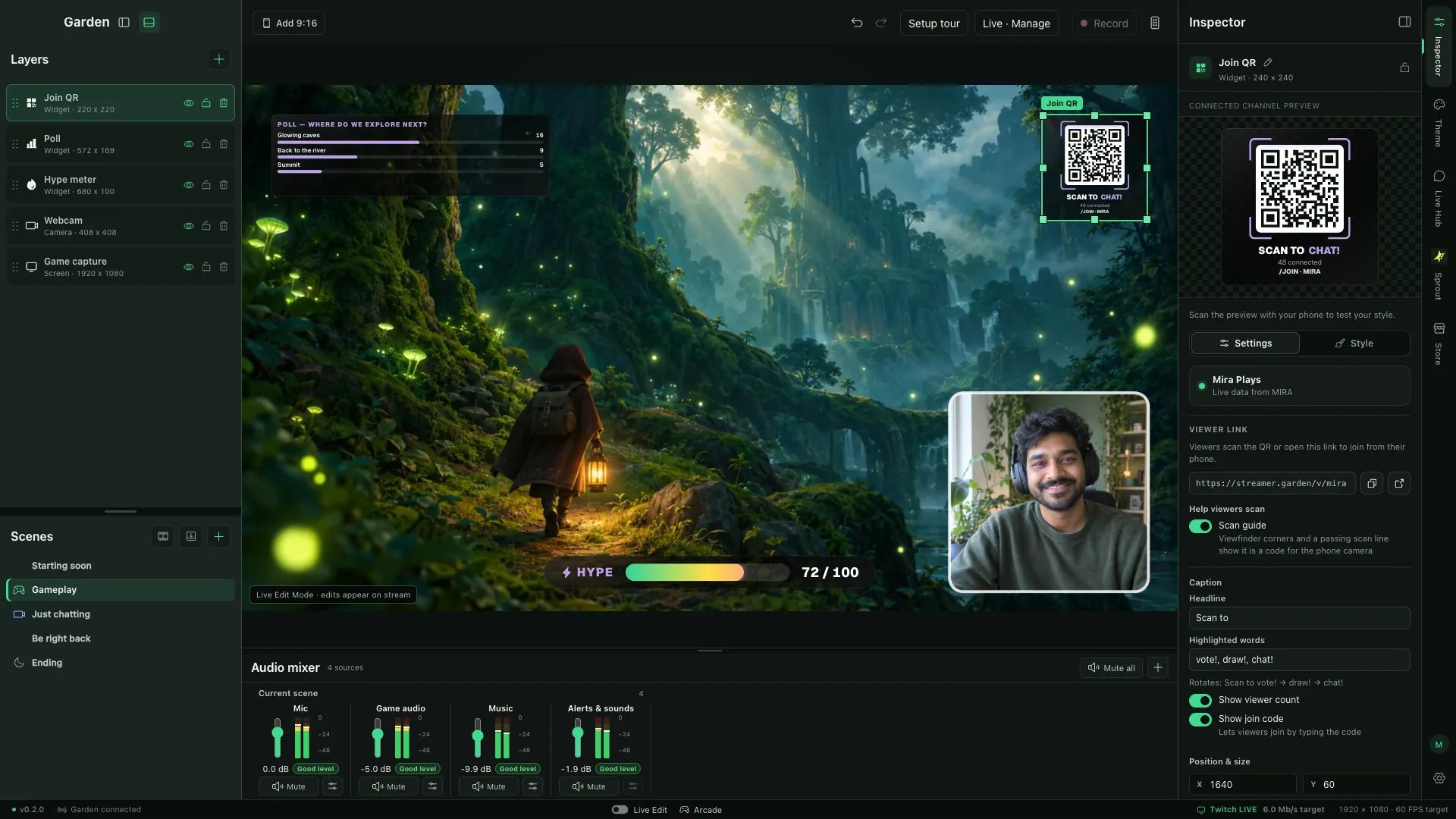
No mockups here. These are screenshots of the studio you download, with a game, a webcam, and live widgets on the canvas.
Try it
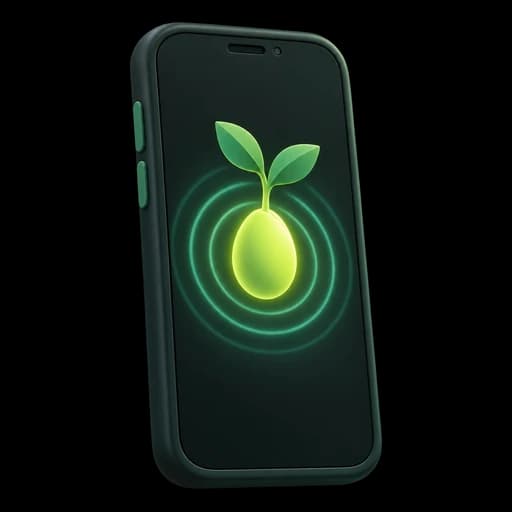
Scan the QR on stream or tap the link in chat. The controller opens in any phone browser. There's nothing to install, so even the quiet ones join in.
Watching a stream? Join with a code
Mira Plays
live · 48 here
Polls
LiveWhere do we explore next?
Tap to vote
30 votes · results move on stream live
POLL · Where do we explore next?
SCAN TO CHAT!
/JOIN · MIRA

Ask from the phone. Questions wait here until you approve them.
Desktop and web
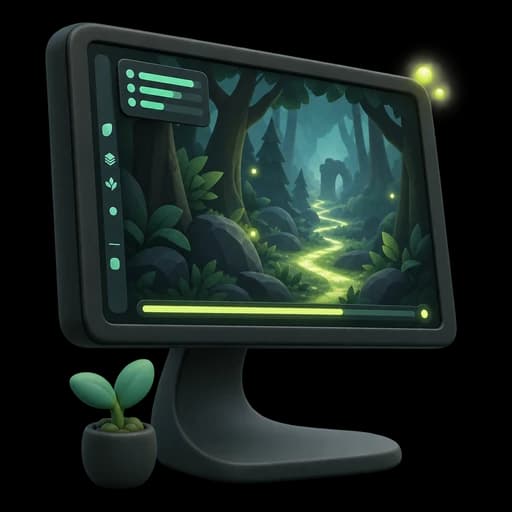
OBS is built into Garden Desktop, so there's no second app to wire up. Garden Home on the web looks after the room around it.
Cameras, screens, windows, images, and audio. It's real OBS underneath, and you arrange it all right on the canvas.
Coming from OBS Studio or Streamlabs? Import your scene collections from this computer and carry on in Garden.
Stream to Twitch or YouTube, or to more sites through Restream. Record at the same time if you like.
Questions and doodles wait for your OK. One panic button pauses every interaction at once.
Give mods only the controls they need, and take them back anytime. Approve your phone in Garden Desktop to run its saved Stream Dock controls.
Scan a pairing code and your phone becomes a wireless camera in your scene.
Analytics
After every stream you get a recap of what your viewers did. Growth is slow at first. Now you can watch it happen.
Votes, hype, questions, and doodles from any phone browser. The quiet ones finally get a say.
Try the controller
Hi, I'm Yuval. I stream, and I build Garden. Most features started as something I wanted on my own nights live.
New versions come out often. The changelog is public.
See the changelogYour emails and bug reports go straight to the person who builds Garden.
Email supportJoin the DiscordWe keep what the product needs to run. We never sell personal information.
Read the privacy policyFor viewers
Type the join code from the stream, or paste the link the streamer shared. Their controller opens right in your browser.
On your phone? Point the camera at the QR on stream. That opens the same page. Each stream has its own code, so there's no list to search.
FAQ
More in the full FAQ and guides.
Ask the person who builds Garden. Every email and Discord message gets read.
It's the app you stream from. You set up scenes and sources, add live widgets like polls and the hype meter, then go live or record. It's built on OBS and runs on Apple Silicon Macs.
No. The OBS video engine is built into Garden Desktop, so capture, encoding, and streaming all happen inside Garden. Coming from OBS Studio or Streamlabs? You can import your scene collections.
No. They scan the QR code on your stream and your viewer page opens in their phone's browser. Nothing to install, no account to make. They can vote, hype, ask, and draw right away.
Garden Desktop streams to Twitch and YouTube. For Kick and other sites, go through Restream. Native Streamer Garden stats, chat, and alert connections currently support Twitch and YouTube.
No. Questions and doodles only show up after you approve them. You choose when voting and hype are open. If things get weird, the panic control pauses everything in one click.
Yes. Send a mod a link with just the controls you pick. You can take it back anytime, and their live session drops the moment you do. They work from Garden Home in any browser.
It's a private phone controller for Garden Desktop. Sign in, scan the controller QR, and approve the device in Desktop before using its saved buttons.
Nothing. Streamer Garden, Garden Desktop included, is free to use while the product and community grow. No card, no trial clock.
Apple Silicon Macs on macOS 13 or later. Windows support is in development.
Only what the product needs to run: your account and channel settings, what viewers submit, and per-stream analytics. Live session state doesn't stick around. We don't sell personal information or build ad profiles. The privacy policy at /privacy covers how long we keep things and your rights.
Free while we grow. No card, no trial clock.
Free · Apple Silicon, macOS 13 or later
What's new in Garden